


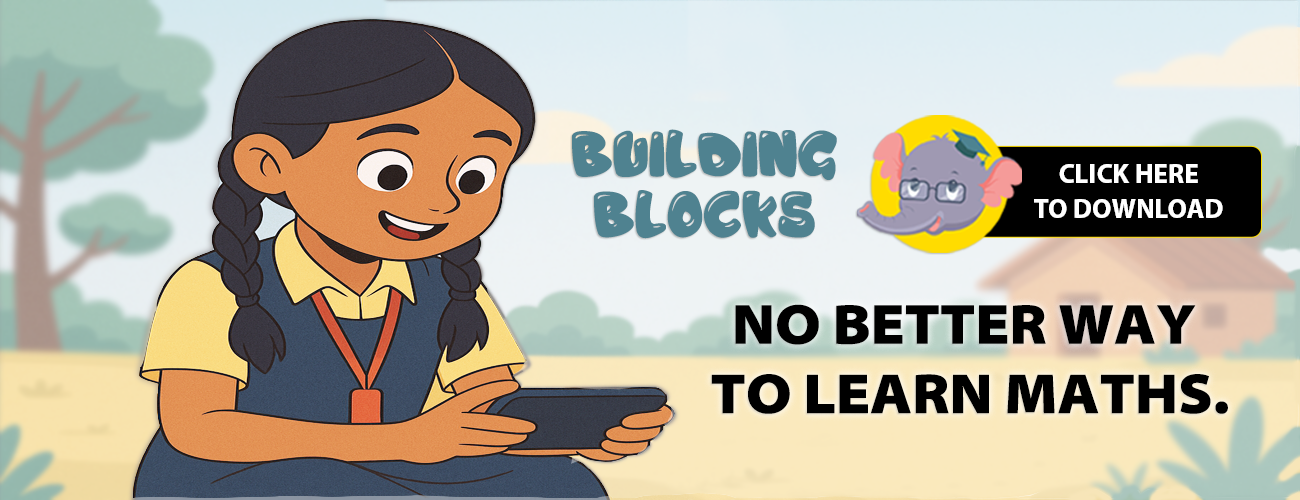


Children in schools typically are exposed to math learning for less than 2 hours a week. Moreover, many of them do not have a learning environment at home. Akshara’s new app – Building Blocks provides access to maths practice and learning to children from grades 1-8.
This FREE, fun learning app is here to help children practice math anytime, anywhere! The app lets children practice maths concepts learned at school, as a set of fun games. It is designed to work on the most basic-level smartphones, ONLINE and OFFLINE. Mapped to NCF-2005 guidelines, it is currently available in 9 regional languages and offers a total of 400+ intuitive math games.
Building Blocks is being developed with the support of Akamai Foundation, Cisco – A Corporate Social Responsibility Initiative and Target.
CERTIFICATIONS AND ACCOLADES WON:
- Nasscom TechForGood 2024 – Winner
- 2024 – Effectiveness and Equity Bronze certifications : ICEIC
- Featured in HundrED’s 2024 Global Collection
- Honorable Mention – mEducation Alliance Awards 2021
- Finalist – 2019 EdTechXGlobal Impact Award


It is designed to work on the most basic-level smart phones

Mapped to school curriculum: The kids will practice concepts learnt at school, but as a fun game!

Available in nine regional languages – English, Hindi, Kannada, Odia, Gujarati, Marathi, Tamil, Telugu and Urdu

6 children can play this game on a single device

There are no in-app purchases, up sells or advertisements

It works ONLINE and OFFLINE

It is Completely FREE

Strictly adheres to math pedagogy, taking the child progressively through concepts from concrete to abstract

Has a Practice Mode – to reinforce concepts learnt

And a Challenge Mode – to assess levels of learning
Mathematical Concepts
NUMBER SENSE

NUMBERS

SEQUENCE

COMPARISON

PLACE VALUE

FRACTIONS
NUMBER PATTERNS

DECIMALS
NUMBER OPERATIONS

ADDITION

SUBTRACTION

SUBTRACTION

DIVISION
NUMBER OPERATIONS

SPATIAL REIN

SOLID SHAPES

FLAT SHAPES
PATTERNS

MENSURATION
MEASUREMENTS

MONEY

LENGTH

WEIGHT

VOLUME

TIME

Download the Building Blocks games straight onto your phone, in the language of your choice by clicking on the corresponding link below.
Building Blocks Grade 1 – 5





Building Blocks Grade 6 – 8

| STEPS | HOW DO I USE THE DIKSHA APP TO ACCESS BUILDING BLOCKS? |
|---|---|
| Step 1 | Go to Google Play, search for the DIKSHA app and install it |
| Step 2 | Launch the DIKSHA app. Select a language preference and profile (Teacher or Student) |
| Step 3 | Tap the QR code icon. Allow app permissions |
| Step 4 | Place your phone over the sticker and focus on the QR code in the textbook / stickers |
| Step 5 | On successful scanning of the QR code, the relevant practice games will come up |
 Download the Diksha app Download the Diksha app
|
|
| STEPS | HOW DO I GET BUILDING BLOCKS FROM GOOGLE PLAY? |
|---|---|
| Step 1 | Go to Google Play, search for the BUILDING BLOCKS App and install it |
| Step 2 | Open the app, allow/grant all required permissions, let your child choose the AVATAR he/she likes |
| Step 3 | Fill in all registration details and pick the language of your choice |
| Step 4 | Building Blocks is ready to load. There may be a slight wait of 4-6 minutes at this step depending on your Internet speed |
| Step 5 | Exciting and fun math games are ready to use! |
 Download the Building Blocks app Download the Building Blocks app
|
|
🏆 BB Art Competition 2025 – Winners Announced!
Click here to view the complete list of winners:
👉 View Winners